Forty years of work, ready to ask about.
Richard Hess's career, projects, research and archives, from expert systems and Lisp machines to web components and spec-driven UI. AI clients connect over MCP, anything that speaks HTTP can use the REST API, and people can just read the site. No account, no key, nothing to install.
MCP endpoint: https://mcp.eswat2.app/mcp
$ claude mcp add eswat2 --transport http \
    https://mcp.eswat2.app/mcp

> What was WINTERP, and how does it
  connect to his later work?

  ⏺ eswat2 · read_uri(vault://winterp)
  ⏺ eswat2 · read_uri(vault://spec-lineage)
  ⏺ eswat2 · search_by_tag(yaml)
One knowledge base, many ways in
Every view reads the same compiled content, so the wiki, the graphs, the HTML pages and the MCP tools never disagree.
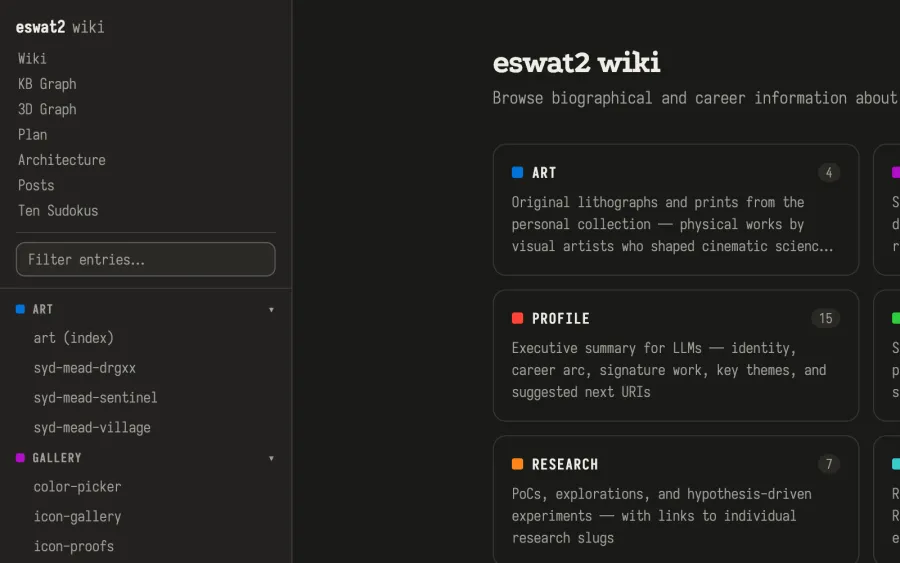
Browse everything
A single-page wiki with every entry in a filterable sidebar, grouped by namespace, with working back and forward history.
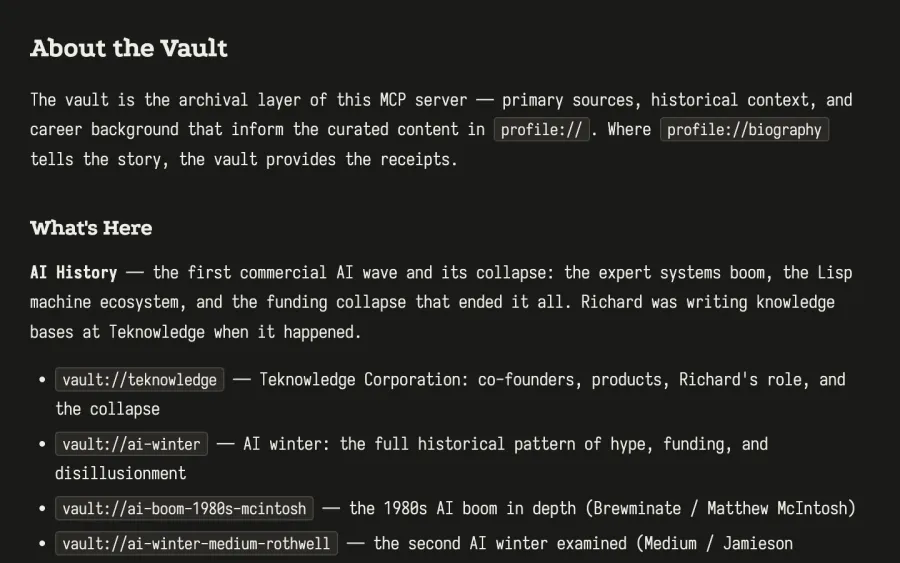
Pages that need no script
Every entry renders on the server as plain HTML, with no client-side JavaScript. Short URLs like /vault and /resume lead straight to them.
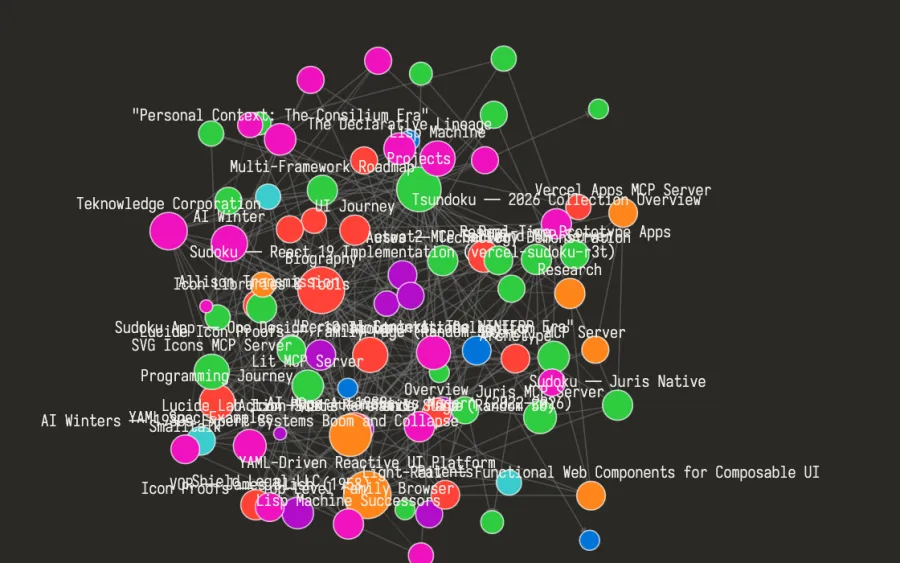
See how it connects
Each entry is a node and each link is an edge. Hover over a node to highlight its neighbours, then click to open it.
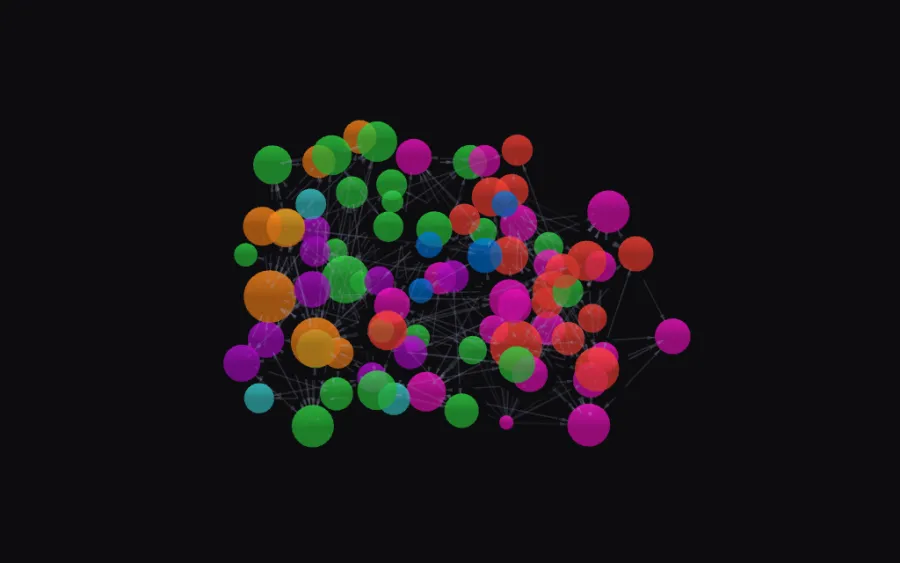
Or fly through it
The same graph in WebGL. Drag to rotate, scroll to zoom, and click any sphere to read that entry.
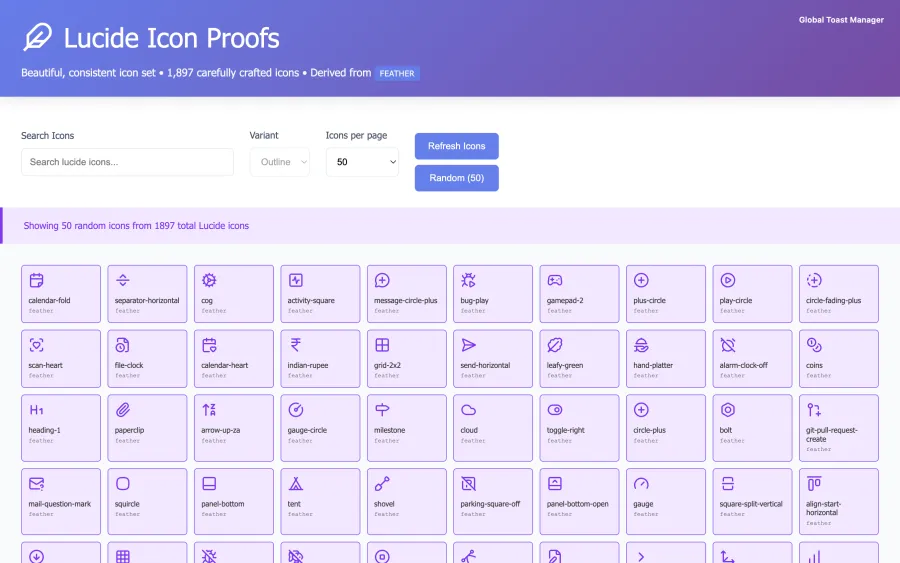
Specs you can see running
Screenshots of shipped projects and of UI built from YAML specs, each linked to the spec or project it came from.
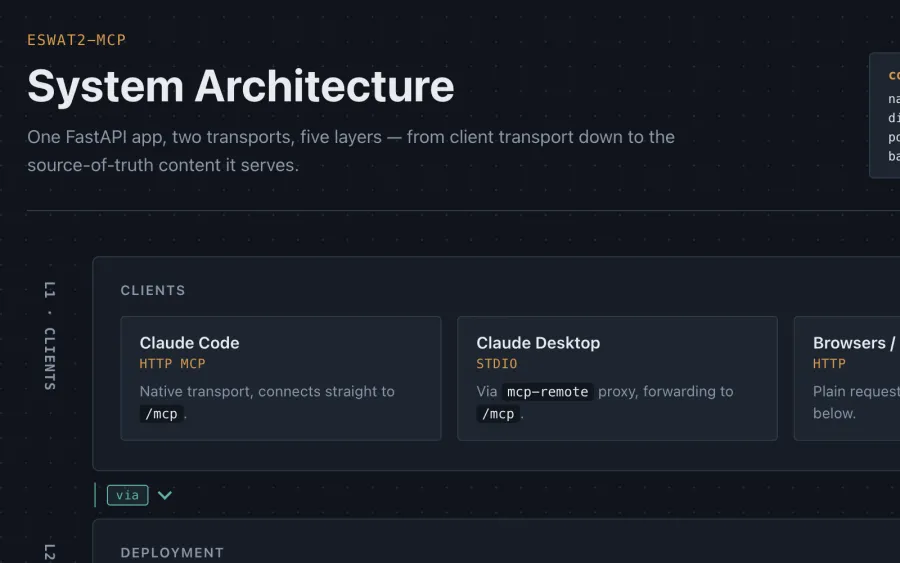
How it's put together
One diagram, five layers: from the clients down through the FastAPI app to the Markdown it's built from.
Connect, ask, follow the links
Every entry has a URI like vault://teknowledge, and entries link to one another. A client can start anywhere and work its way across the knowledge base.
Connect a client
Claude Code, over streamable HTTP:
claude mcp add eswat2 \
  --transport http \
  https://mcp.eswat2.app/mcp
Stdio-only clients (Claude Desktop, Perplexity) go through a proxy:
npx mcp-remote \
  https://mcp.eswat2.app/mcp
Ask in plain language
The model picks the tools and reads what it needs. For example:
- Summarize his career in five lines.
- What did he work on at Netscape?
- Show me a YAML spec for a color picker.
- What was the AI winter like from the inside?
Or skip the client
The same content is a site you can read. Every entry renders as plain HTML that works without JavaScript, and there are short URLs like /about, /resume and /vault.
Scripts can call the REST API, which serves the same entries as JSON or Markdown:
curl "https://mcp.eswat2.app/resolve?uri=vault://winterp"
For a crawler or an agent, start with /llms.txt or /manifest.
Seven namespaces
Each one has an index page that lists its entries.
Profile
Identity, biography, journeys, and the resume.
projects://Projects
Shipped platforms, tools, and personal projects.
research://Research
Proofs of concept, explorations, and hypothesis-driven experiments.
specs://Specs
Reference YAML specs for the YAML-driven reactive UI platform.
gallery://Gallery
Screenshots of shipped projects and of YAML-driven components rendered live.
vault://Vault
Historical context: the AI winter, Lisp machines, Teknowledge, WINTERP, Taligent.
art://Art
Lithographs and prints by the artists who shaped cinematic science fiction.
Built to be read by machines
Six tools, one URI scheme
list_namespaces, list_uris, read_uri, list_tags, search_by_tag and get_graph. Every tool takes or returns namespace://slug URIs, so what one call returns can go straight into the next.
A front door for agents
/llms.txt and /manifest describe every namespace, page, tool and post. An agent can find its way around without being told what's here.
Public and read-only
No auth and no key. Every tool only reads, so nothing a client does can change the content.
Notes for the next reader
Entries can carry notes written for the model rather than for people, such as sourcing audits and editorial reasoning. They go out over MCP and the REST API but never show on the HTML pages.
Markdown in, everything else out
The source is a folder of flat Markdown files with YAML frontmatter. A build step compiles them into per-namespace JSON. One FastAPI app on Vercel serves that JSON as MCP tools at /mcp, as a REST API, as server-rendered HTML, and as the wiki and graph pages. Adding an entry means writing a file and rebuilding. There's no database.